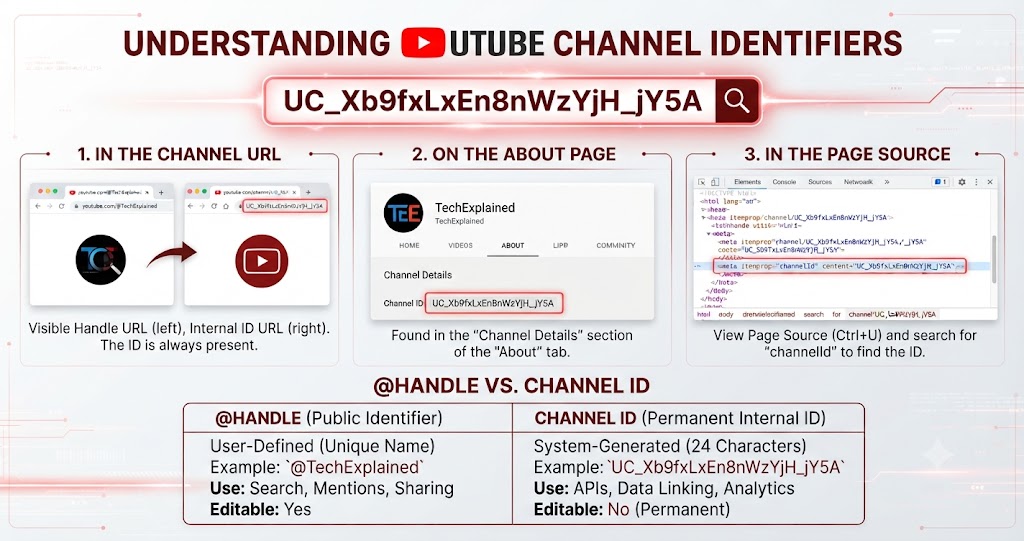
How to Download YouTube Thumbnail in HD
How to Download YouTube Thumbnail in HD
Category: YouTube Creator Tips | Read Time: 6 min read | Author: Cybro Editorial Team
Introduction
Ever found the perfect frame in a YouTube video and wished you could save it as a high-resolution image? Whether you are a content creator planning a thumbnail remake, a marketer repurposing video assets, or a designer gathering visual references, downloading a YouTube thumbnail in full HD quality is a simple but surprisingly powerful skill.
In this guide, we will walk you through exactly how to extract, preview, and download YouTube thumbnails in all available quality tiers—from standard definition all the way up to the full 1280×720 max resolution—using our free browser-based tool.
Table of Contents
- Why You Might Need a YouTube Thumbnail Download
- Understanding YouTube Thumbnail Quality Tiers
- Step-by-Step: Download a Thumbnail in HD
- How to Find the Video ID for Any YouTube URL
- How to Find the Channel ID for Any YouTube Creator
- Frequently Asked Questions (FAQ)
- Conclusion
Why You Might Need a YouTube Thumbnail Download
YouTube thumbnails serve as the primary visual hook for video content. Creators often need to download existing thumbnails for A/B testing, redesigning older content, or studying competitor visual strategies. Marketers use them for social media repurposing, while designers analyze color schemes and composition patterns.
Downloading a thumbnail directly from YouTube's servers is perfectly legal for personal reference and fair use analysis. Our tool operates entirely in your browser, keeping your workflow fast and your data private.
Understanding YouTube Thumbnail Quality Tiers
YouTube stores each video thumbnail in four resolution tiers:
| Quality Key | Resolution | Best For | | :--- | :--- | :--- | | maxresdefault | 1280×720 | Full HD thumbnails, printed materials, desktop wallpaper | | hqdefault | 480×360 | Standard web use, social media posts, blog embeds | | sddefault | 640×480 | Balanced quality for general repurposing | | mqdefault | 320×180 | Quick previews, thumbnails in listings |
By selecting the appropriate tier, you can download exactly the resolution you need without unnecessary file bloat.
Step-by-Step: Download a Thumbnail in HD
Step 1: Copy the YouTube Video URL
Navigate to any YouTube video and copy the full URL from your browser's address bar. It should look like https://www.youtube.com/watch?v=VIDEO_ID or https://youtu.be/VIDEO_ID.
Step 2: Paste the URL into the Thumbnail Downloader
Open our YouTube Thumbnail Downloader and paste the URL into the input field. Click the search button, and the tool will instantly extract the video ID and fetch all available thumbnail quality options.
Step 3: Preview and Select Your Quality
Browse through the available tiers—maxresdefault, HQ, SD, and MQ. The tool displays a live preview so you can compare quality before downloading.
Step 4: Download the Image
Click the download button for your chosen quality tier. The image file is saved directly to your computer with the correct file extension—no server uploads, no watermarks, no limits.
How to Find the Video ID for Any YouTube URL
Every YouTube video has a unique 11-character video ID. You can extract it manually from the URL, or use our dedicated Video ID Finder to do it automatically. Simply paste the URL, and the tool will display the video ID along with a ready-to-use embed code. This is especially useful when you need the video ID for API integrations, embed customization, or sharing specific timestamps.
How to Find the Channel ID for Any YouTube Creator
Beyond thumbnails and video IDs, you might also need the unique 24-character channel ID (starting with UC) for API access, brand analytics, or verification. Our Channel ID Finder accepts channel URLs, @handles, usernames, or any video link and returns the exact channel identifier instantly.
Expert Tips for Maximizing Your Workflow
- Always choose maxresdefault first – If available, this delivers the highest quality (1280×720) and gives you the most flexibility for cropping and resizing.
- Combine with the Video ID Finder – Use it to quickly extract video IDs when building playlists or embed configurations.
- Use the Channel ID Finder for analytics – When analyzing a creator's content strategy, the channel ID unlocks API-level data access.
Frequently Asked Questions (FAQ)
Are all YouTube thumbnails available in max resolution?
No. Only videos that have a custom uploaded thumbnail (typically creators with verified channels or high upload frequency) have the maxresdefault version. Auto-generated thumbnails usually max out at hqdefault (480×360).
Is it legal to download YouTube thumbnails?
Downloading thumbnails for personal reference, fair use analysis, or portfolio study is generally acceptable. Redistributing them as your own or using them commercially without permission may violate copyright.
Can I download thumbnails from private or unlisted videos?
Yes, as long as you have access to the video URL, the thumbnail is hosted on YouTube's public CDN and can be retrieved.
Conclusion
Downloading YouTube thumbnails in HD quality is a straightforward process when you have the right tool. By combining our Thumbnail Downloader, Video ID Finder, and Channel ID Finder, you can build a complete YouTube asset extraction workflow—all running safely in your browser with zero server uploads.
Try the Tool Instantly
Ready to download your first HD thumbnail? Use our YouTube Thumbnail Downloader right now—no sign-up, no cost, no data leaving your device.
Related Articles

The Complete Checklist for Creating High-Click-Through YouTube Thumbnails
Discover the exact visual principles that drive high Click-Through Rates (CTR) on YouTube. Learn how contrast, text framing, and dark mode optimization capture viewers' attention.
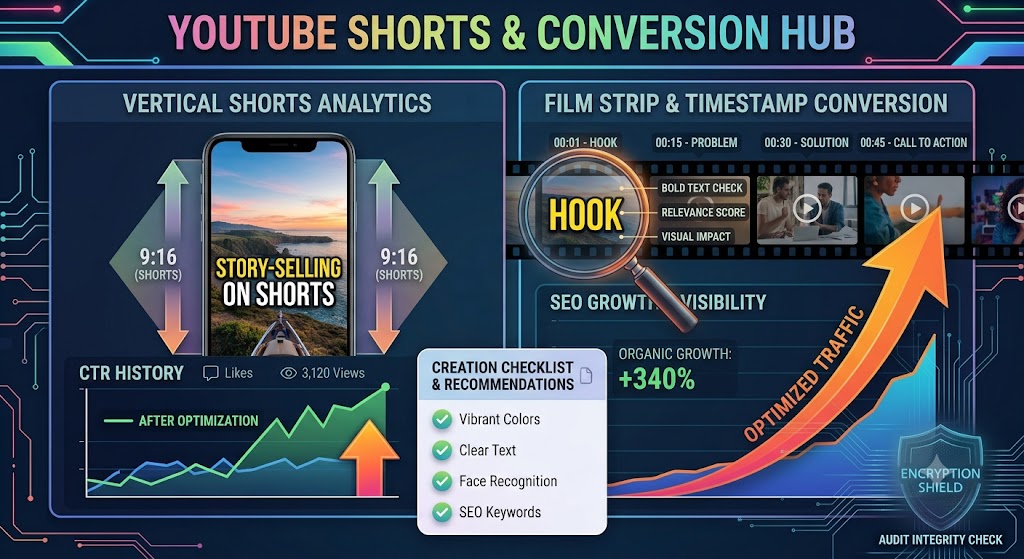
Converting YouTube Shorts: Best Dimensions, Timestamps, and Layout Strategies
A highly detailed technical guide covering converting youtube shorts: best dimensions, timestamps, and layout strategies. Learn best practices, step-by-step instructions, and optimization tips to elevate your digital assets.
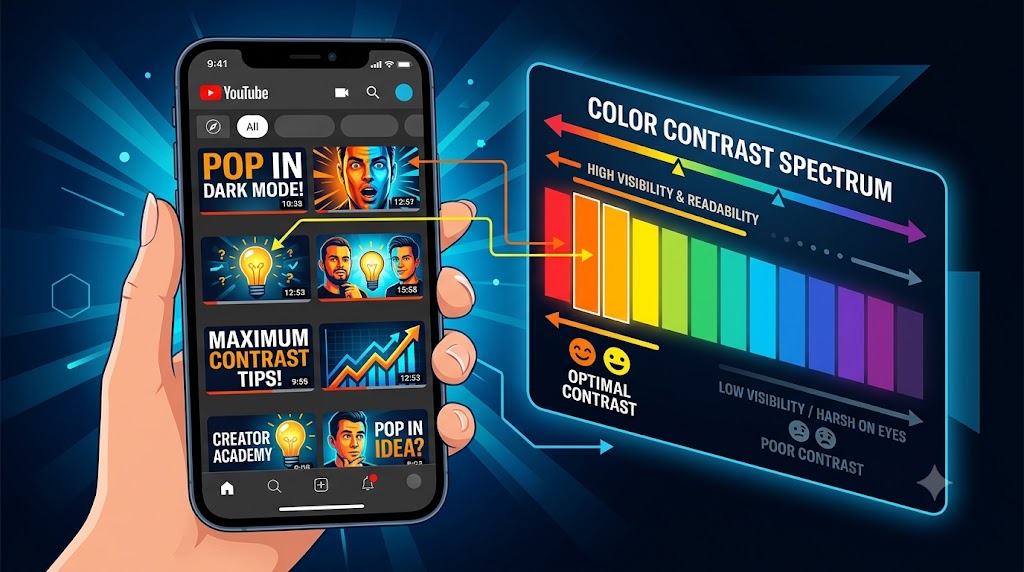
Designing YouTube Thumbnails for Dark Mode: Color Theory and Contrast Best Practices
A highly detailed technical guide covering designing youtube thumbnails for dark mode: color theory and contrast best practices. Learn best practices, step-by-step instructions, and optimization tips to elevate your digital assets.