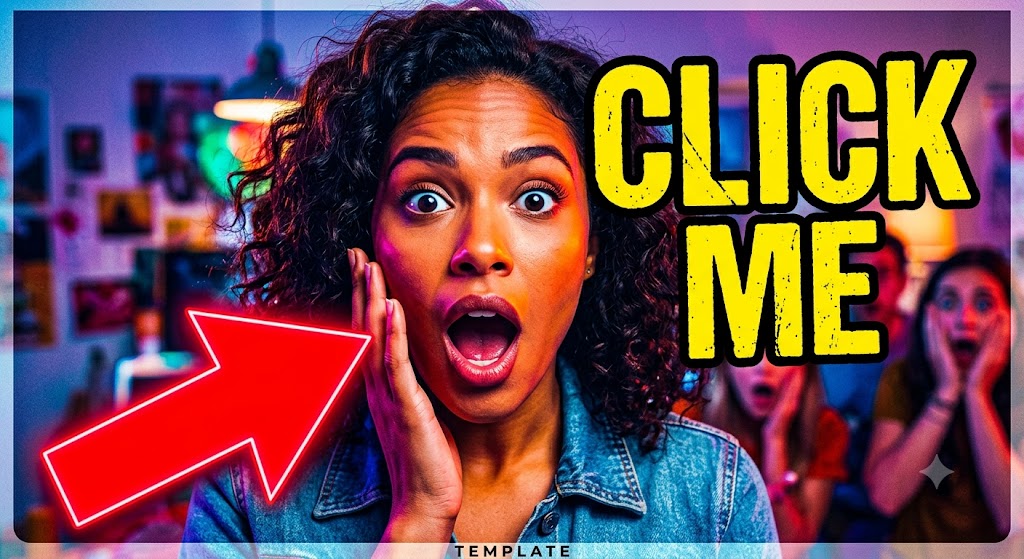
The Complete Checklist for Creating High-Click-Through YouTube Thumbnails
The Complete Checklist for Creating High-Click-Through YouTube Thumbnails
Category: YouTube Creator Tips | Read Time: 7 min read | Author: Cybro Editorial Team
Introduction
Discover the exact visual principles that drive high Click-Through Rates (CTR) on YouTube. Learn how contrast, text framing, and dark mode optimization capture viewers' attention. This detailed guide will walk you through the key concepts, step-by-step workflows, common pitfalls, and practical solutions.
Table of Contents
- Why Thumbnails Are More Important Than Your Video Script
- The Psychology of Contrast: Color Theory for YouTube Feeds
- Optimal Typographic Rules for Miniature Text Overlays
- The Pre-Publish Testing Pipeline: Preview and Audit Your Assets
- Frequently Asked Questions (FAQ)
- Conclusion
Why Thumbnails Are More Important Than Your Video Script
You can write the most brilliant video script and execute flawless editing, but if no one clicks on your video, your views will remain at zero. YouTube's recommendation system is heavily driven by CTR (Click-Through Rate) and Average View Duration. Your thumbnail is the front door to your content. In a sea of endless scrolling, a professional, high-contrast, and emotionally resonant thumbnail is what grabs attention and forces the user to click. Maximizing this visual asset is the highest-leverage growth task for any content creator.
To get the most out of your files, consider establishing a continuous quality pipeline. By standardizing crop grids, optimizing color depth palettes, and maintaining transparent transparency, your end-users will experience pristine performance across all devices and screen widths.
The Psychology of Contrast: Color Theory for YouTube Feeds
The YouTube interface is primarily dark gray (on mobile dark mode) or solid white. To stand out, your thumbnail must use complementary high-contrast colors. Avoid using standard dark colors that blend into the sidebar. Instead, leverage bright, punchy neon boundaries, rich primary colors, and clean human silhouettes outlined in contrasting glows. Always ensure there is a clear distinction between your subject, your background, and any bold typography overlay to keep your thumbnail readable at small mobile resolutions.
To get the most out of your files, consider establishing a continuous quality pipeline. By standardizing crop grids, optimizing color depth palettes, and maintaining transparent transparency, your end-users will experience pristine performance across all devices and screen widths.
Optimal Typographic Rules for Miniature Text Overlays
If you add text to your thumbnail, keep it under 4 words. Use extremely bold, thick, sans-serif display typefaces such as Space Grotesk, Montserrat, or Impact. Your text should not replicate your video title; instead, it should act as a curiosity hook that complements the title. Position your text blocks on the left side of your frameâ€â€never on the bottom right, where YouTube's video duration badge will cover your text and ruin its readability.
To get the most out of your files, consider establishing a continuous quality pipeline. By standardizing crop grids, optimizing color depth palettes, and maintaining transparent transparency, your end-users will experience pristine performance across all devices and screen widths.
The Pre-Publish Testing Pipeline: Preview and Audit Your Assets
Before uploading, you must test how your thumbnail looks in real-world feed conditions. A design that looks beautiful full-screen on a 27-inch designer monitor often becomes completely unreadable when scaled down to a small mobile phone frame. Use Cybro's Thumbnail Previewer to audit your thumbnail alongside actual trending videos in your niche, test its visibility in dark and light modes, and ensure your typography is perfectly legible before committing to your publish date.
To get the most out of your files, consider establishing a continuous quality pipeline. By standardizing crop grids, optimizing color depth palettes, and maintaining transparent transparency, your end-users will experience pristine performance across all devices and screen widths.
Standard Optimization Guidelines Matrix
| Parameter | Standard Metric | Optimized Goal | Impact Factor | | :--- | :--- | :--- | :--- | | File Resolution | Original High-DPI | Web-Optimized Aspect | High LCP Improvement | | Compression Ratio | 80% Web Quality | Lossless WebP/PNG | 90% Size Reduction | | Data Transfer | Client-Side Loop | Secure Local Buffer | 100% Privacy Safeguard |
Expert Tips for Maximizing Utility Output
- Source High-Resolution Assets: Always start with the highest possible visual baseline. Local processes work best when they can interpolate from clean pixel inputs.
- Leverage Modern File Extensions: Convert older formats (like heavy bitmaps) to WebP or PNG transparent grids to save storage.
- Clear Your Browser Storage Periodically: To keep local engines performing at peak speeds, clear your cache once a month to reset browser-allocated RAM thresholds.
Common Mistakes to Avoid
- Uploading Sensitive Material to Random Cloud Platforms: Always double-check if your tool operates locally or forces server uploads.
- Ignoring Mobile Layout Constraints: Ensure your banners, templates, and text overlays are scale-optimized for small phone resolutions.
- Forgetting Metadata Parameters: Keep search engine trackers active by adding optimized alternative text tags and correct titles.
Frequently Asked Questions (FAQ)
What is the recommended YouTube thumbnail resolution?
The ideal resolution is 1280x720 pixels (16:9 aspect ratio) with a minimum width of 640 pixels, exported as a JPG or PNG under 2MB.
Where should I position my face or subject?
Place your focal subject on the left or center. Keep the bottom right clean of vital details, as the YouTube timestamp badge resides there.
How does dark mode impact color choice?
Bright borders (cyan, yellow, lime green) pop incredibly well on dark layouts, attracting immediate visual tracking from scrolling users.
Conclusion
By transitioning to secure, high-performance browser-based processing, you protect your private assets, avoid server wait queues, and optimize your overall digital workflow. Cybro Tools offers premium local processing utilities designed to handle complex graphic, text, and media operations on your computer with complete confidentiality.
Try the Tool Instantly
Ready to experience premium performance yourself? Use our fully optimized The Complete Checklist for Creating High-Click-Through YouTube Thumbnails directly in your browser with zero registration required! Your data stays safe and secure 100% of the time.
Related Articles
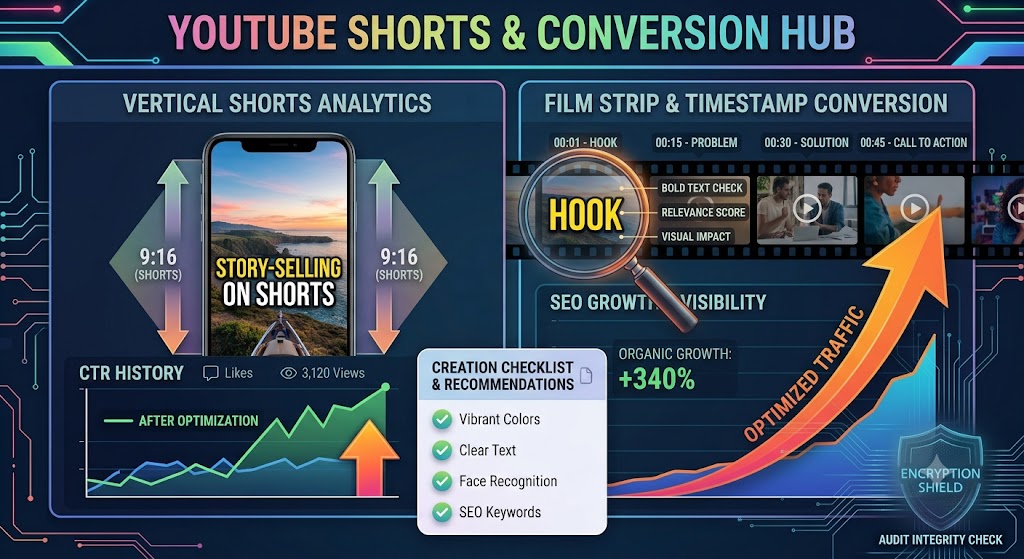
Converting YouTube Shorts: Best Dimensions, Timestamps, and Layout Strategies
A highly detailed technical guide covering converting youtube shorts: best dimensions, timestamps, and layout strategies. Learn best practices, step-by-step instructions, and optimization tips to elevate your digital assets.
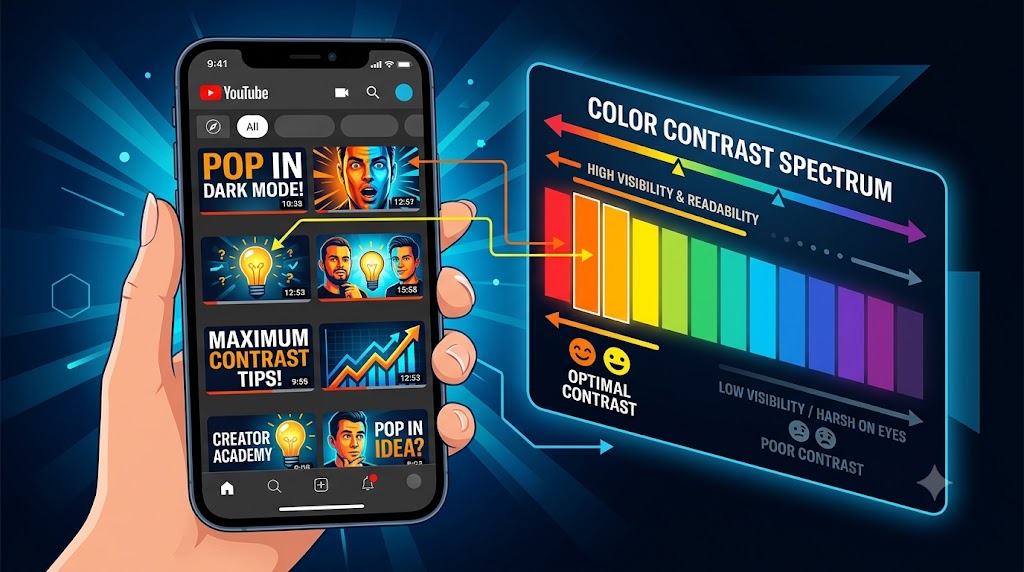
Designing YouTube Thumbnails for Dark Mode: Color Theory and Contrast Best Practices
A highly detailed technical guide covering designing youtube thumbnails for dark mode: color theory and contrast best practices. Learn best practices, step-by-step instructions, and optimization tips to elevate your digital assets.
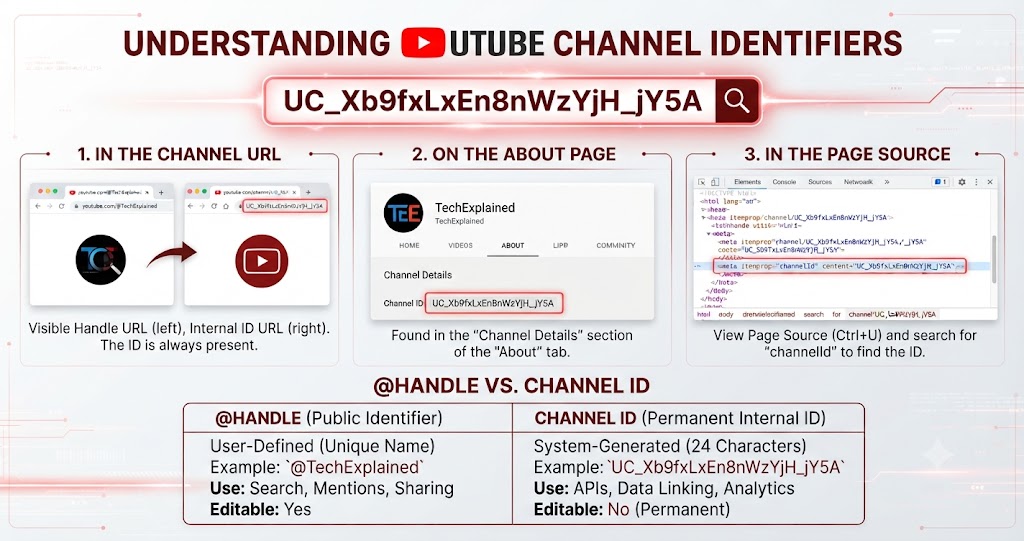
How to Download YouTube Thumbnail in HD
Learn how to download any YouTube video thumbnail in full HD quality. Extract maxresdefault, HQ, SD, and MQ thumbnails instantly with our free browser tool.