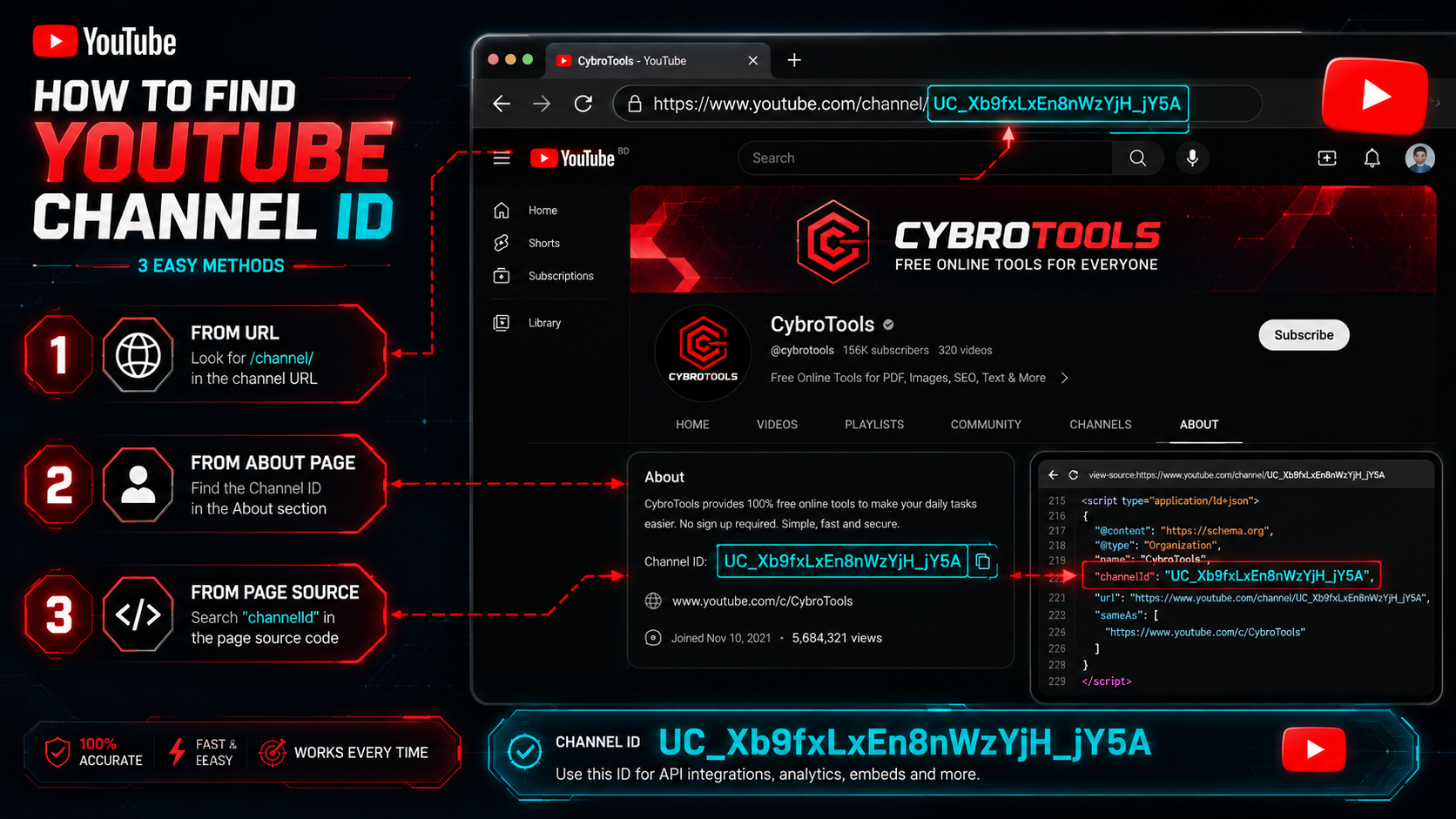
How to Find YouTube Channel ID
How to Find YouTube Channel ID
Category: YouTube Creator Tips | Read Time: 6 min read | Author: Cybro Editorial Team
Introduction
Every YouTube channel has a unique 24-character identifier called the Channel ID. Unlike the custom @handle or channel name, the Channel ID (always starting with UC) never changes—making it essential for API integrations, analytics platforms, brand verification, and third-party tool connections.
In this guide, we will show you how to find any YouTube channel's ID from a URL, handle, username, or even a video link using our free browser-based tool.
Table of Contents
- What is a YouTube Channel ID?
- Why You Need the Channel ID
- Step-by-Step: Find a Channel ID Instantly
- How to Find the Video ID for Any YouTube URL
- How to Download a YouTube Thumbnail in HD
- Frequently Asked Questions (FAQ)
- Conclusion
What is a YouTube Channel ID?
The YouTube Channel ID is a permanent, unique 24-character string assigned to every YouTube channel. It always begins with the letters UC followed by 22 alphanumeric characters. Unlike a channel name or @handle, the Channel ID cannot be changed—making it the definitive identifier for programmatic access.
Example format: UC_lO0Q9wXkU7yHn3ZR3PZzA
Why You Need the Channel ID
- YouTube Data API – Every API request for channel statistics, subscriber counts, video lists, and playlists requires the Channel ID.
- Analytics Platforms – Tools like SocialBlade, vidIQ, and TubeBuddy use the Channel ID to pull channel metrics.
- Brand Verification – When linking YouTube channels to websites or third-party services, the Channel ID provides a stable, unique reference.
- Embed Customization – Some advanced embed setups reference the channel rather than individual videos.
Step-by-Step: Find a Channel ID Instantly
Step 1: Find the Channel URL, @Handle, or Video Link
You can find a channel ID using any of these inputs:
- Channel URL:
https://www.youtube.com/channel/UC_lO0Q9wXkU7yHn3ZR3PZzA - Custom handle:
@cybrotools - Old username:
https://www.youtube.com/user/username - Any video from the channel:
https://www.youtube.com/watch?v=dQw4w9WgXcQ
Step 2: Open the Channel ID Finder
Navigate to our YouTube Channel ID Finder and paste your input into the search field.
Step 3: Extract the ID
Click the find button. The tool sends a single request to YouTube's public data and returns the full 24-character Channel ID. Copy it to your clipboard instantly.
How to Find the Video ID for Any YouTube URL
Need to extract a video ID alongside the channel ID? Use our Video ID Finder to parse any YouTube URL and retrieve the 11-character video ID in seconds—perfect for building embed codes or fetching video metadata.
How to Download a YouTube Thumbnail in HD
Once you identify a channel or video, you might want to download the video's HD thumbnail for reference, analysis, or repurposing. Our YouTube Thumbnail Downloader lets you preview and save thumbnails at up to 1280×720 resolution with a single click.
Expert Tips for Maximizing Your Workflow
- Use the Channel ID for API automation – Once you have the ID, you can script batch data pulls for subscriber counts, video performance, and playlist content.
- Combine all three YouTube tools – Start with the Channel ID Finder, use the Video ID Finder for specific videos, then download their thumbnails—all in one seamless workflow.
- Save the Channel ID permanently – Since it never changes, store it in your project configuration for repeated API calls.
Frequently Asked Questions (FAQ)
Can a channel ID change?
No. The Channel ID is a permanent identifier. Unlike display names or custom @handles, it is assigned once when the channel is created and never changes.
Can I find a channel ID from a video link?
Yes. Our Channel ID Finder accepts any video URL and resolves the channel ID behind that video, saving you the extra step of navigating to the channel page.
What does the UC prefix mean?
The UC prefix stands for "User Channel" and distinguishes channel IDs from playlist IDs (which start with PL) or video IDs (which are 11 characters with no prefix).
Conclusion
The YouTube Channel ID is an essential piece of data for developers, analysts, and content managers. With our tool, finding it from any channel URL, handle, or video link takes seconds—and pairing it with our Video ID Finder and Thumbnail Downloader creates a complete YouTube data extraction suite.
Try the Tool Instantly
Ready to find your first channel ID? Use our YouTube Channel ID Finder right now—no sign-up, no cost, 100% private.
Related Articles

The Complete Checklist for Creating High-Click-Through YouTube Thumbnails
Discover the exact visual principles that drive high Click-Through Rates (CTR) on YouTube. Learn how contrast, text framing, and dark mode optimization capture viewers' attention.
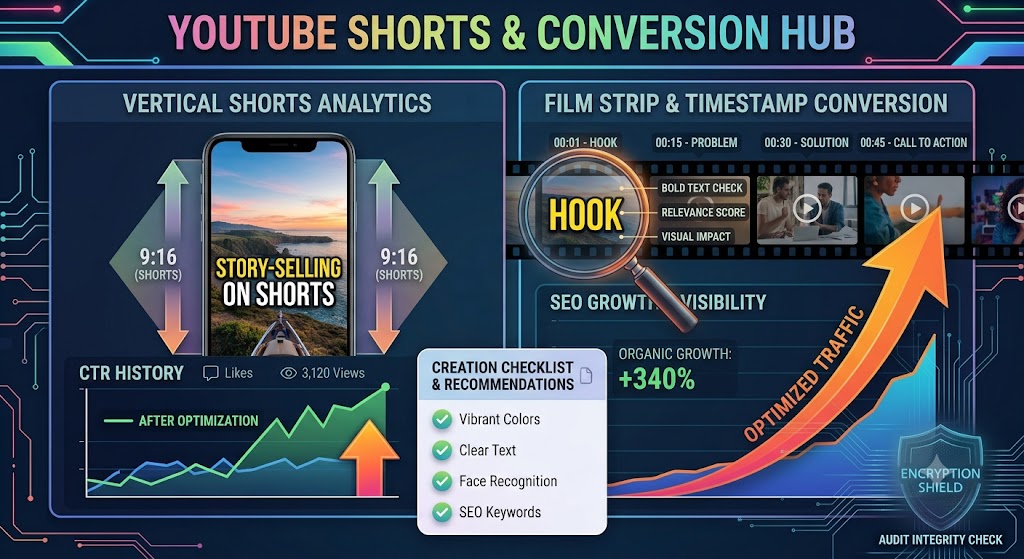
Converting YouTube Shorts: Best Dimensions, Timestamps, and Layout Strategies
A highly detailed technical guide covering converting youtube shorts: best dimensions, timestamps, and layout strategies. Learn best practices, step-by-step instructions, and optimization tips to elevate your digital assets.
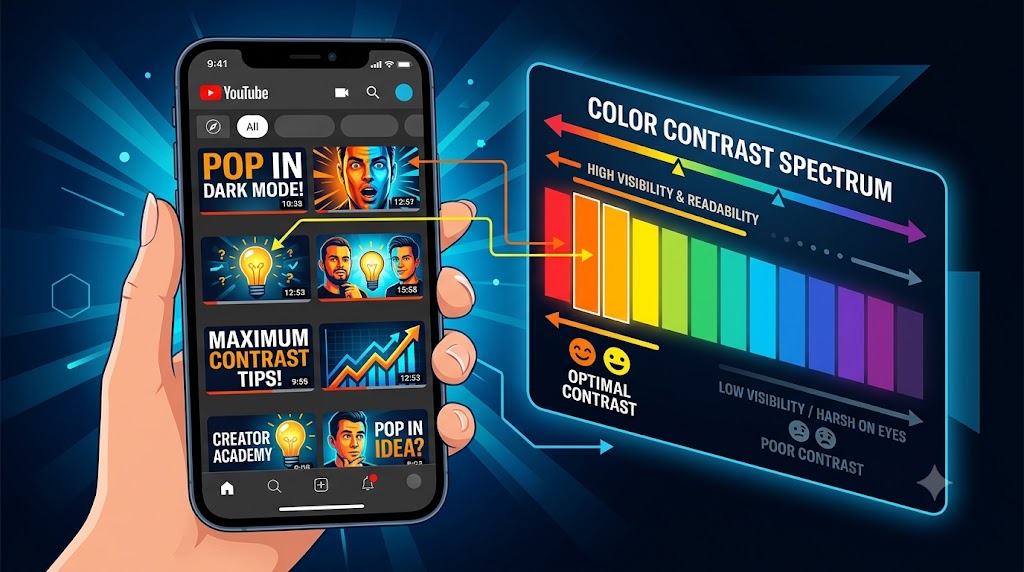
Designing YouTube Thumbnails for Dark Mode: Color Theory and Contrast Best Practices
A highly detailed technical guide covering designing youtube thumbnails for dark mode: color theory and contrast best practices. Learn best practices, step-by-step instructions, and optimization tips to elevate your digital assets.