
How to Find YouTube Video ID
How to Find YouTube Video ID
Category: YouTube Creator Tips | Read Time: 5 min read | Author: Cybro Editorial Team
Introduction
Every YouTube video is identified by a unique 11-character string called the Video ID. Whether you are embedding a video on your website, building a custom player, fetching thumbnails, or working with the YouTube Data API, knowing how to find this ID quickly is essential.
In this guide, we will show you multiple ways to extract the video ID from any YouTube URL, and how our dedicated tool makes the process instant and error-free.
Table of Contents
- What is a YouTube Video ID?
- Common YouTube URL Formats and Their Video IDs
- Step-by-Step: Extract a Video ID Instantly
- How to Download the Video's Thumbnail in HD
- How to Find the Channel ID for Any Creator
- Frequently Asked Questions (FAQ)
- Conclusion
What is a YouTube Video ID?
The YouTube Video ID is an 11-character, case-sensitive string that uniquely identifies a video on the platform. It appears in every YouTube URL format and is the key parameter for programmatic access to video metadata, thumbnails, captions, and embed codes.
For example, in https://www.youtube.com/watch?v=dQw4w9WgXcQ, the video ID is dQw4w9WgXcQ.
Common YouTube URL Formats
YouTube videos can appear in several URL patterns. The video ID is always present but positioned differently:
| URL Format | Example | Where the Video ID Is |
| :--- | :--- | :--- |
| Standard watch URL | youtube.com/watch?v=VIDEO_ID | After ?v= |
| Shortened youtu.be | youtu.be/VIDEO_ID | After the domain path |
| Embed URL | youtube.com/embed/VIDEO_ID | After /embed/ |
| Shorts URL | youtube.com/shorts/VIDEO_ID | After /shorts/ |
| With timestamp | youtube.com/watch?v=VIDEO_ID&t=30s | After ?v= (before &) |
Step-by-Step: Extract a Video ID Instantly
Step 1: Copy the YouTube Video URL
From any YouTube video page, copy the full browser URL or click the Share button to get the shortened youtu.be link.
Step 2: Open the Video ID Finder
Navigate to our YouTube Video ID Finder and paste the URL into the input field.
Step 3: Extract the ID
Click the find button. The tool instantly parses the URL, extracts the 11-character video ID, and displays it on screen. You can copy it to your clipboard with a single click.
Step 4: Generate an Embed Code (Optional)
The same tool also generates a ready-to-use HTML embed code with your preferred options—autoplay, controls, looping, and start time—saving you the hassle of manual iframe construction.
How to Download the Video's Thumbnail in HD
Once you have the video ID, you can directly access the video's thumbnail at multiple quality levels. Instead of constructing URLs manually, use our YouTube Thumbnail Downloader to preview and download thumbnails in maxresdefault (1280×720), HQ (480×360), SD, and MQ formats with one click.
How to Find the Channel ID for Any Creator
Need the channel ID for API access or brand analytics? Our Channel ID Finder works with any channel URL, @handle, username, or even a video link to return the unique 24-character channel ID (starting with UC) instantly.
Expert Tips for Maximizing Your Workflow
- Combine all three tools – Use the Video ID Finder to get the ID, then the Thumbnail Downloader for HD images, and the Channel ID Finder for channel-level data.
- Use the embed generator – Customize autoplay, controls, and start times without writing a single line of iframe code.
- Bookmark the tool – The Video ID Finder runs entirely in your browser, so you can use it offline or in restricted network environments.
Frequently Asked Questions (FAQ)
Can I find the video ID from a mobile YouTube app share link?
Yes. Mobile share links use the same youtu.be/VIDEO_ID format. Simply paste the shared link into our tool.
Is the video ID case-sensitive?
Yes. YouTube video IDs are case-sensitive and can contain uppercase letters, lowercase letters, and numbers.
Can I use the video ID to access the YouTube Data API?
Absolutely. The video ID is the primary parameter for the YouTube Data API v3 Videos endpoint, returning metadata, statistics, and content details.
Conclusion
The YouTube Video ID is a small but powerful piece of data that unlocks thumbnails, embeds, API access, and more. With our dedicated tool, finding it takes seconds—and pairing it with our Thumbnail Downloader and Channel ID Finder gives you a complete YouTube asset management pipeline.
Try the Tool Instantly
Ready to extract your first video ID? Use our YouTube Video ID Finder right now—no sign-up, no cost, fully private.
Related Articles

The Complete Checklist for Creating High-Click-Through YouTube Thumbnails
Discover the exact visual principles that drive high Click-Through Rates (CTR) on YouTube. Learn how contrast, text framing, and dark mode optimization capture viewers' attention.
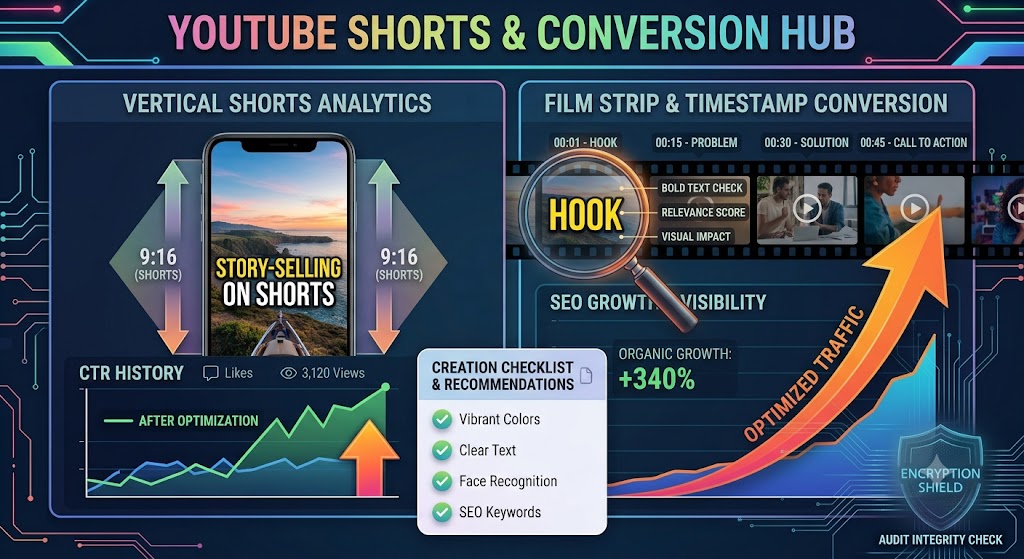
Converting YouTube Shorts: Best Dimensions, Timestamps, and Layout Strategies
A highly detailed technical guide covering converting youtube shorts: best dimensions, timestamps, and layout strategies. Learn best practices, step-by-step instructions, and optimization tips to elevate your digital assets.
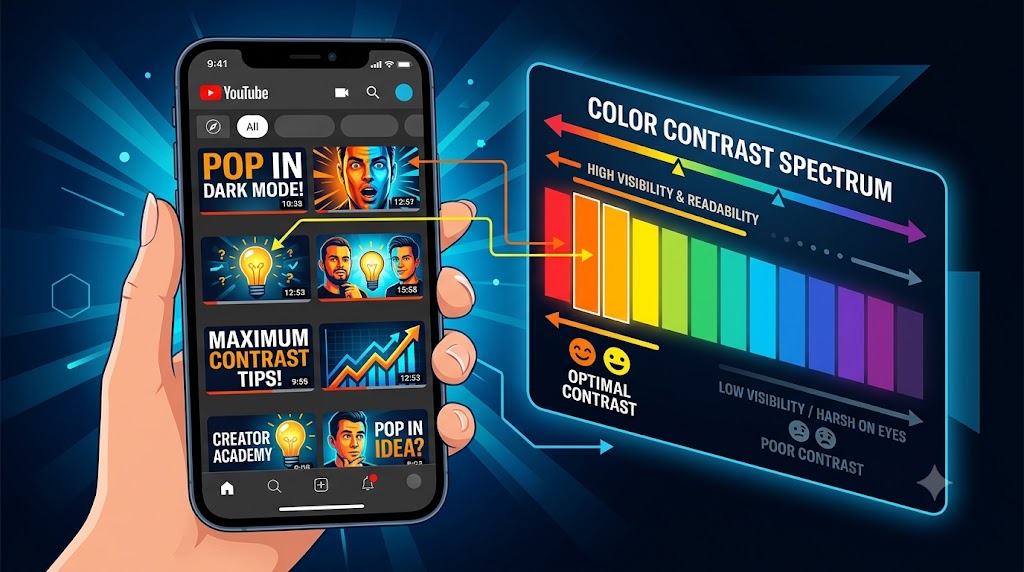
Designing YouTube Thumbnails for Dark Mode: Color Theory and Contrast Best Practices
A highly detailed technical guide covering designing youtube thumbnails for dark mode: color theory and contrast best practices. Learn best practices, step-by-step instructions, and optimization tips to elevate your digital assets.