
Why You Should Stop Uploading Private Images to Cloud-Based Converters
Why You Should Stop Uploading Private Images to Cloud-Based Converters
Category: Image Optimization | Read Time: 6 min read | Author: Cybro Editorial Team
Introduction
Discover why uploading sensitive documents, personal badges, or proprietary assets to online server-side converters represents a massive security leak. Learn how local conversion keeps your files 100% private. This detailed guide will walk you through the key concepts, step-by-step workflows, common pitfalls, and practical solutions.
Table of Contents
- The Hidden Security Risks of Server-Side File Converters
- How Local Browser-Only Conversion Architectures Eliminate Risk
- A Technical Comparison: Server-Side vs. Client-Side Convert Performance
- Best Practices for Maintaining Absolute Data Privacy Online
- Frequently Asked Questions (FAQ)
- Conclusion
The Hidden Security Risks of Server-Side File Converters
The web is full of 'free' file converters, but many users fail to ask: how do these platforms pay for their hosting? Often, server-side converters store your files on their storage blocks, log your metadata, and occasionally sell aggregated asset structures to third-party data firms. If you upload a screenshot containing bank statements, private customer charts, passport images, or proprietary business logos, you are placing your secure keys directly on a remote server. Data breaches, exposed public storage buckets, and malicious scripts can expose these assets to the public web, leading to severe privacy violations.
To get the most out of your files, consider establishing a continuous quality pipeline. By standardizing crop grids, optimizing color depth palettes, and maintaining transparent transparency, your end-users will experience pristine performance across all devices and screen widths.
How Local Browser-Only Conversion Architectures Eliminate Risk
The solution is simple: do not let your files leave your device. By using HTML5 Canvas APIs, WebAssembly, and local file streams, modern web applications can convert, optimize, and resize files directly inside your browser's runtime. When you drag an image onto our localized converter, your device's browser reads the file buffer, decodes the pixel grid, and re-encodes it into WebP, PNG, or JPG formats natively. This means there is no transmission of data over the internet, no remote database storage, and absolute zero risk of file leakage. If you disconnect your Wi-Fi, the converter continues to run perfectly because your machine is doing 100% of the work.
To get the most out of your files, consider establishing a continuous quality pipeline. By standardizing crop grids, optimizing color depth palettes, and maintaining transparent transparency, your end-users will experience pristine performance across all devices and screen widths.
A Technical Comparison: Server-Side vs. Client-Side Convert Performance
Many users assume server-side converters are faster because they leverage cloud hardware, but this ignores the massive overhead of network latency. For standard image sizes under 50MB, the time spent uploading and downloading files from cloud queues is several times longer than executing a native canvas conversion locally on your device. Client-side encoding takes advantage of your device's multi-core CPU threads, delivering near-instantaneous format transformations (PNG to WebP, WebP to JPG) in milliseconds while preserving full image fidelity and exact metadata structures.
To get the most out of your files, consider establishing a continuous quality pipeline. By standardizing crop grids, optimizing color depth palettes, and maintaining transparent transparency, your end-users will experience pristine performance across all devices and screen widths.
Best Practices for Maintaining Absolute Data Privacy Online
To ensure your corporate and personal digital assets remain secure, integrate the following habits into your daily workflow: 1. Audit your toolsâ€â€always check if a web service states that 'all uploads are processed locally' or 'never stored on servers'. 2. Check for offline supportâ€â€try turning off your network adapter; if the tool breaks immediately, it is sending your data over the web. 3. Prevent automatic cloud sync of sensitive captures. 4. Default to WebP or modern container designs that preserve transparent transparency without compromising on loading speeds.
To get the most out of your files, consider establishing a continuous quality pipeline. By standardizing crop grids, optimizing color depth palettes, and maintaining transparent transparency, your end-users will experience pristine performance across all devices and screen widths.
Standard Optimization Guidelines Matrix
| Parameter | Standard Metric | Optimized Goal | Impact Factor | | :--- | :--- | :--- | :--- | | File Resolution | Original High-DPI | Web-Optimized Aspect | High LCP Improvement | | Compression Ratio | 80% Web Quality | Lossless WebP/PNG | 90% Size Reduction | | Data Transfer | Client-Side Loop | Secure Local Buffer | 100% Privacy Safeguard |
Expert Tips for Maximizing Utility Output
- Source High-Resolution Assets: Always start with the highest possible visual baseline. Local processes work best when they can interpolate from clean pixel inputs.
- Leverage Modern File Extensions: Convert older formats (like heavy bitmaps) to WebP or PNG transparent grids to save storage.
- Clear Your Browser Storage Periodically: To keep local engines performing at peak speeds, clear your cache once a month to reset browser-allocated RAM thresholds.
Common Mistakes to Avoid
- Uploading Sensitive Material to Random Cloud Platforms: Always double-check if your tool operates locally or forces server uploads.
- Ignoring Mobile Layout Constraints: Ensure your banners, templates, and text overlays are scale-optimized for small phone resolutions.
- Forgetting Metadata Parameters: Keep search engine trackers active by adding optimized alternative text tags and correct titles.
Frequently Asked Questions (FAQ)
Is client-side conversion completely lossless?
Yes, our native canvas reader extracts raw pixel data directly and compiles it using official file specs, ensuring pixel-for-pixel translation with no quality degradation.
Are there file size limits for local converters?
The only limit is your browser's physical memory footprint. Standard computers can easily handle multi-gigabyte files in-browser using modern streaming pipelines.
Can I batch convert multiple files?
Absolutely. Our local conversion grid processes multiple image files in parallel, saving substantial time compared to serial cloud uploads.
Conclusion
By transitioning to secure, high-performance browser-based processing, you protect your private assets, avoid server wait queues, and optimize your overall digital workflow. Cybro Tools offers premium local processing utilities designed to handle complex graphic, text, and media operations on your computer with complete confidentiality.
Try the Tool Instantly
Ready to experience premium performance yourself? Use our fully optimized Why You Should Stop Uploading Private Images to Cloud-Based Converters directly in your browser with zero registration required! Your data stays safe and secure 100% of the time.
Related Articles
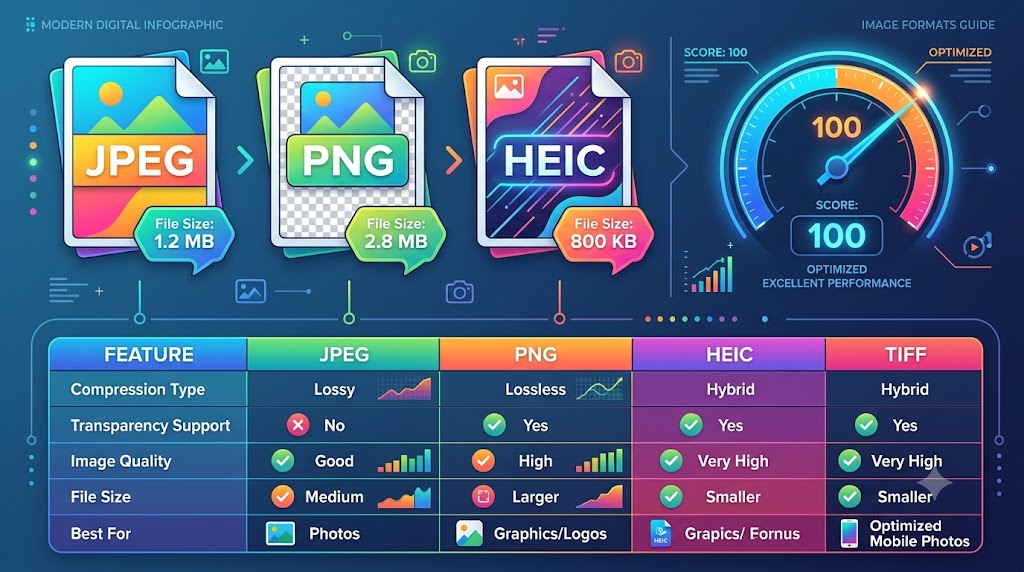
PNG vs. JPG vs. WebP: Which Image Format is Best for Core Web Vitals?
Analyze the technical differences between PNG, JPEG, and WebP. Learn how selecting the correct image container optimizes Largest Contentful Paint (LCP) and Cumulative Layout Shift (CLS) for SEO.
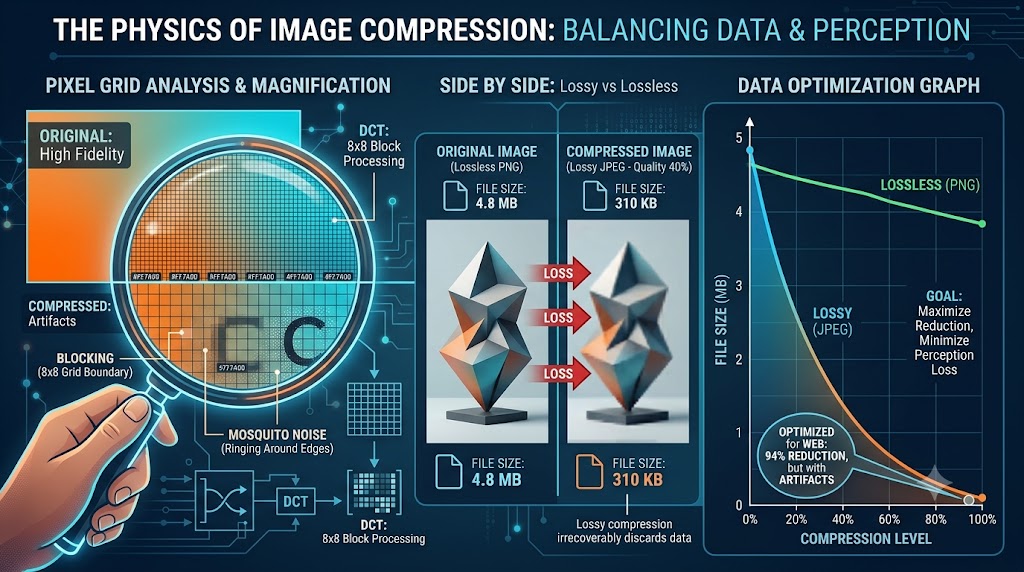
The Physics of Image Compression: Reducing File Size Without Losing Pixel Clarity
A highly detailed technical guide covering the physics of image compression: reducing file size without losing pixel clarity. Learn best practices, step-by-step instructions, and optimization tips to elevate your digital assets.
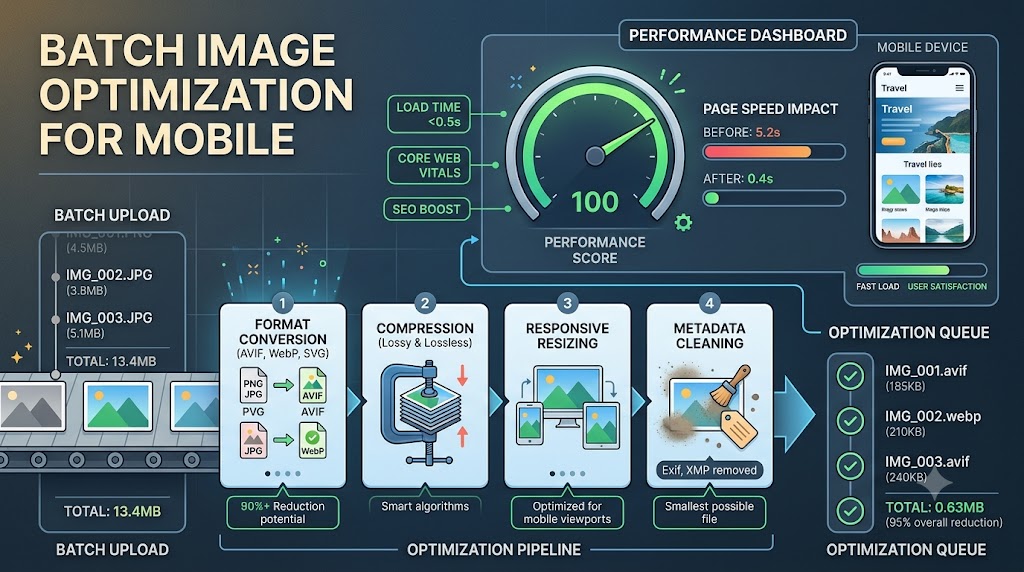
Maximizing Mobile Loading Speeds: Why Batch Image Optimization is Your Secret Weapon
A highly detailed technical guide covering maximizing mobile loading speeds: why batch image optimization is your secret weapon. Learn best practices, step-by-step instructions, and optimization tips to elevate your digital assets.