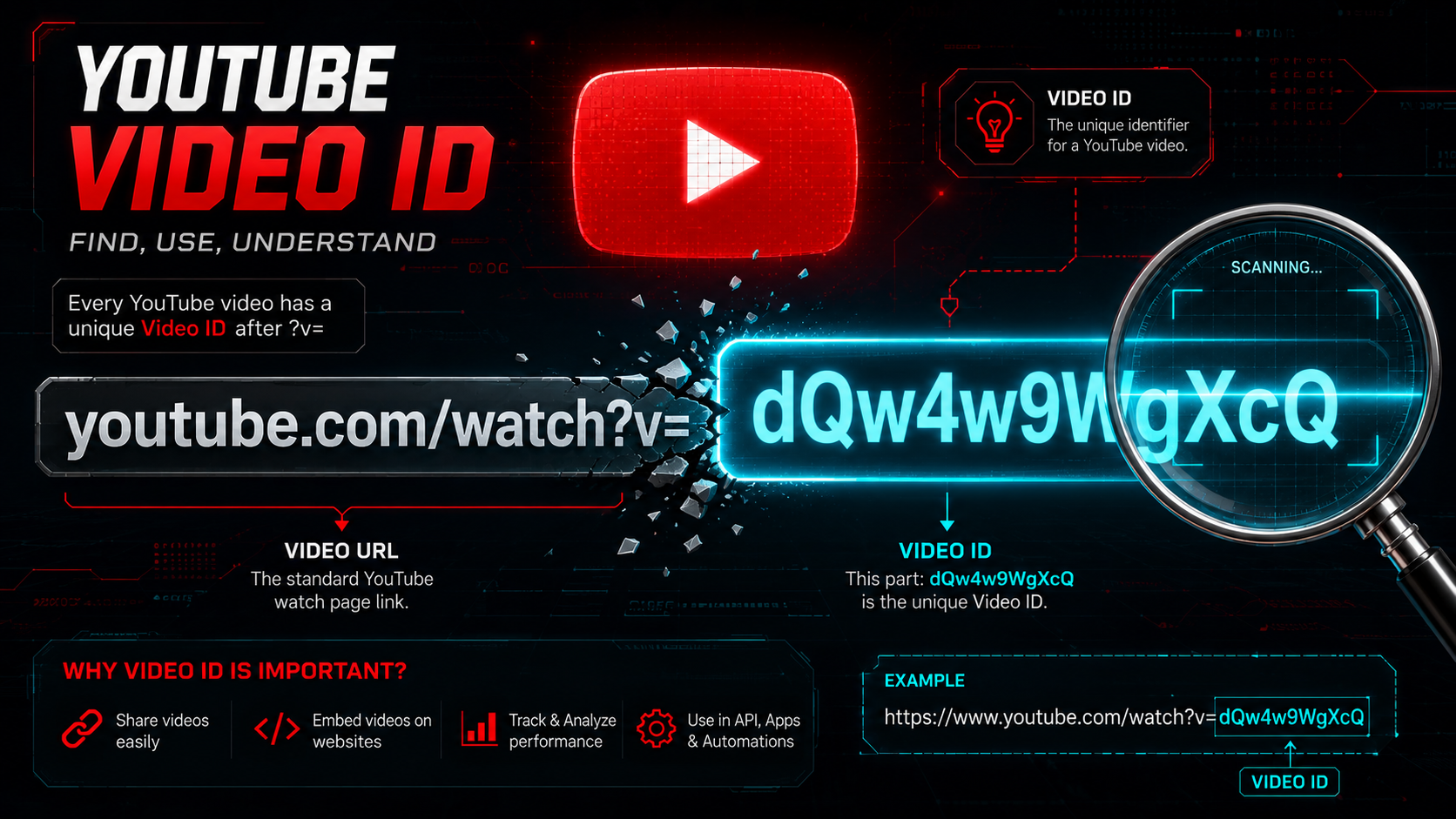
What is a YouTube Video ID and How to Find It
What is a YouTube Video ID and How to Find It
Category: YouTube Creator Tips | Read Time: 4 min read | Author: Cybro Editorial Team
Introduction
Every YouTube video has a unique identifier called a Video ID. Whether you're embedding videos, building APIs, or creating custom players, knowing how to find this ID is essential. In this guide, we'll explain what a YouTube Video ID is, where to find it, and how to extract it instantly.
What is a YouTube Video ID?
A YouTube Video ID is an 11-character string that uniquely identifies a video on YouTube. It appears in every YouTube URL and is used for:
- Embedding videos on websites
- Building YouTube API integrations
- Creating custom video players
- Sharing specific videos
Example: In https://www.youtube.com/watch?v=dQw4w9WgXcQ, the Video ID is dQw4w9WgXcQ.
Where to Find the Video ID in YouTube URLs
YouTube videos can appear in several URL formats. The Video ID is always present but in different positions:
| URL Format | Example | Where the Video ID Is |
|------------|---------|----------------------|
| Standard watch URL | youtube.com/watch?v=VIDEO_ID | After ?v= |
| Shortened youtu.be | youtu.be/VIDEO_ID | After the domain path |
| Embed URL | youtube.com/embed/VIDEO_ID | After /embed/ |
| Shorts URL | youtube.com/shorts/VIDEO_ID | After /shorts/ |
How to Find Video ID from Any URL
Method 1: Manual Extraction
Look at the URL and find the 11-character string after v=, /embed/, or /shorts/.
Method 2: Use Our Free Tool
For instant extraction, use our YouTube Video ID Finder:
- Paste any YouTube URL into the tool
- Click Find Video ID
- The tool extracts the 11-character ID instantly
- Copy it to your clipboard
Why You Might Need a Video ID
- Embedding: Add YouTube videos to your website with clean iframe code
- API access: Use the YouTube Data API to fetch video metadata
- Analytics: Track video performance with third-party tools
- Custom players: Build branded video players with specific parameters
Tips for Working with Video IDs
- Video IDs are case-sensitive —
dQw4w9WgXcQis different fromdqW4w9WgXcQ - Short URLs work too —
youtu.be/VIDEO_IDis just a shorthand for the full URL - Shorts have Video IDs — YouTube Shorts also use 11-character Video IDs
- Live streams have Video IDs — Even live streams have unique Video IDs
Frequently Asked Questions
Can I find a Video ID from a mobile share link?
Yes! Mobile share links use the same youtu.be/VIDEO_ID format. Just paste the shared link into our tool.
Is the Video ID the same as the Channel ID?
No. The Video ID identifies a specific video, while the Channel ID identifies a YouTube channel. They are completely different.
Can I use the Video ID for API access?
Yes! The Video ID is the primary parameter for the YouTube Data API v3 Videos endpoint.
Conclusion
Understanding YouTube Video IDs is essential for anyone working with YouTube content. Whether you're embedding videos, building APIs, or creating custom players, knowing how to find and use Video IDs gives you more control.
Try It Now
Ready to find a Video ID? Use our YouTube Video ID Finder — free, fast, runs in your browser.
Related Articles

The Complete Checklist for Creating High-Click-Through YouTube Thumbnails
Discover the exact visual principles that drive high Click-Through Rates (CTR) on YouTube. Learn how contrast, text framing, and dark mode optimization capture viewers' attention.
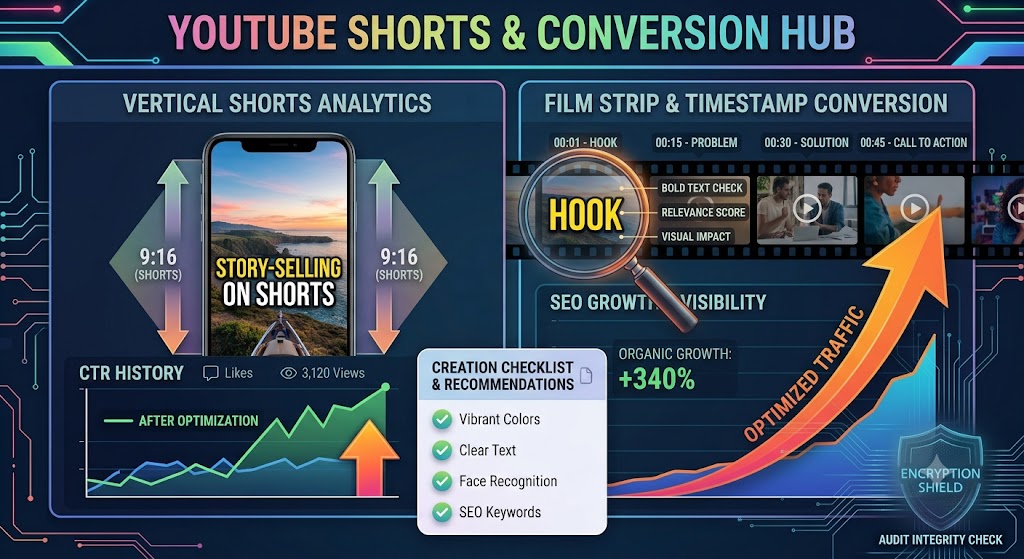
Converting YouTube Shorts: Best Dimensions, Timestamps, and Layout Strategies
A highly detailed technical guide covering converting youtube shorts: best dimensions, timestamps, and layout strategies. Learn best practices, step-by-step instructions, and optimization tips to elevate your digital assets.
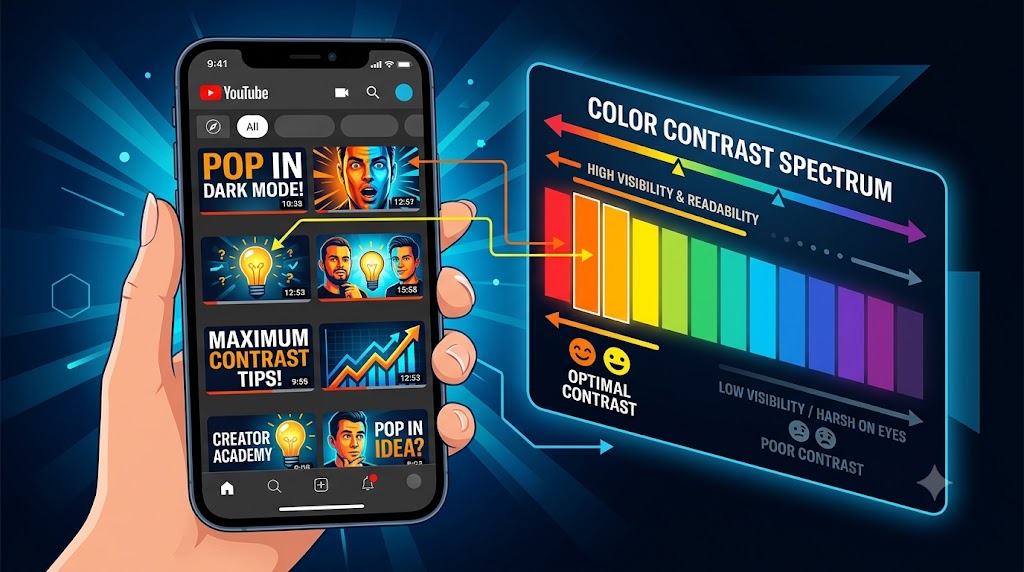
Designing YouTube Thumbnails for Dark Mode: Color Theory and Contrast Best Practices
A highly detailed technical guide covering designing youtube thumbnails for dark mode: color theory and contrast best practices. Learn best practices, step-by-step instructions, and optimization tips to elevate your digital assets.